
eShram Card Download Guide in 2026
A lot of people register for the eShram card once. Then they forget how to download it later when they actually need it. This happens more often than you think. Someone registers at a Common Service Centre. They never save the PDF. Months later a scheme office asks for the card and they have no idea where to find it.
The good part is that downloading your eShram card takes less than five minutes. You just need your UAN number or your Aadhaar linked mobile number. No fresh registration is needed.
This guide covers every download method. It also covers common problems people face and how to fix them. For more government scheme guides visit our homepage. Also try: CKYC Registration: Simple Step by Step Process and CM Internship Scheme: Stipend Eligibility & How to Apply.
What Is an eShram Card?
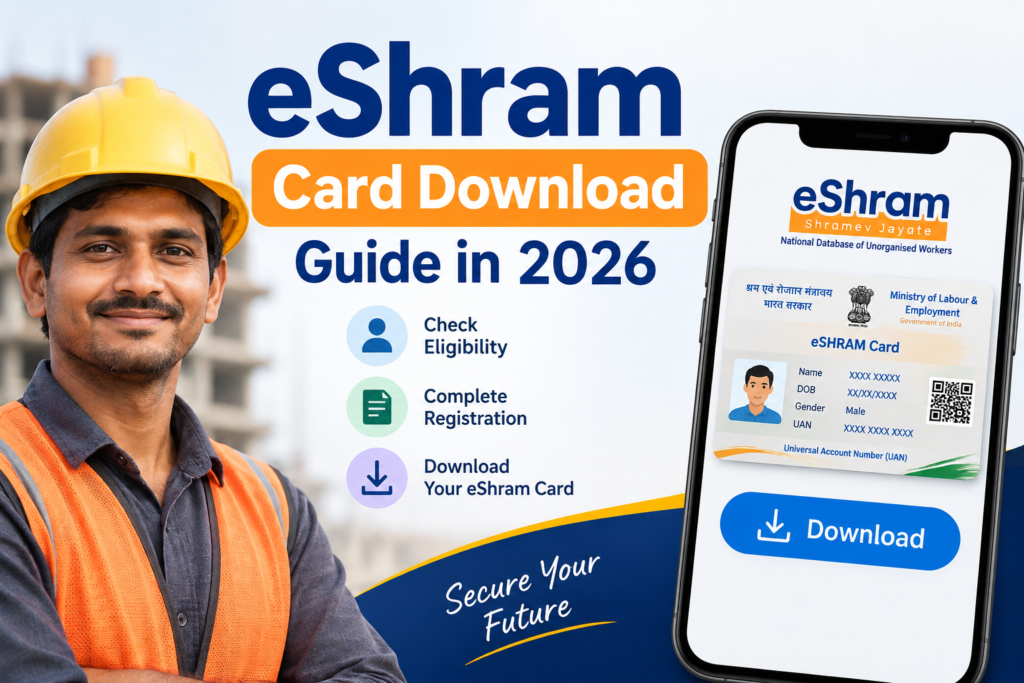
The eShram card is a digital identity card for unorganised sector workers in India. It is issued by the Ministry of Labour and Employment. Every cardholder gets a 12-digit Universal Account Number known as UAN. This number stays the same for life.
The card covers workers who do not have PF or ESIC coverage. This includes domestic workers, farm labour, gig workers, construction labour, street vendors and drivers. Once your card is active you also become eligible for a ₹2 lakh accident insurance cover under PMSBY and other linked government schemes.
What You Need Before You Download
- Your UAN number or the mobile number used during registration
- Your Aadhaar linked mobile number for OTP
- A working internet connection
You do not need your Aadhaar card physically. The portal only asks for the Aadhaar linked mobile number.
How to Download eShram Card Using UAN
- Visit eshram.gov.in.
- Click on Login under the One Stop Solution tab.
- Select Login Using UAN.
- Enter your UAN number date of birth and the captcha code.
- Click Generate OTP.
- Enter the OTP sent to your registered mobile number.
- Click Download UAN Card.
- Your card downloads as a PDF file.
How to Download eShram Card Using Mobile Number or Aadhaar
- Visit eshram.gov.in and click Already Registered.
- Enter your Aadhaar linked mobile number and the captcha code.
- Click Send OTP.
- Enter the OTP and click Verify.
- Your profile page opens on screen.
- Click Download UAN Card to save the PDF.
Download eShram Card Through DigiLocker
If you prefer not to visit the eShram portal directly you can pull your card through DigiLocker.
- Open the DigiLocker app or website.
- Log in with your Aadhaar linked mobile number.
- Go to Central Government Documents.
- Select Ministry of Labour and Employment.
- Select eShram Card.
- Your card appears and stays saved permanently in your DigiLocker account.
Download eShram Card Through UMANG App
- Open the UMANG app on your phone.
- Search for eShram in the search bar.
- Log in using your UAN number.
- Tap Download Card.
This method is useful if you already use UMANG for other government services and want everything in one place.
Why Your eShram Card Download Might Fail
- OTP not arriving: Your mobile number may no longer be Aadhaar linked. Update it at your nearest CSC before trying again.
- UAN not recognised: Double check the number for typos. A single wrong digit will block the login.
- This Aadhaar is already registered error: This usually means a card already exists for you. Use the Already Registered option instead of registering again.
- Card shows inactive or eKYC pending: Complete the pending eKYC step on the portal before the download option becomes active.
- Site not loading: Try again during off peak hours since the portal gets heavy traffic around scheme announcement periods.
Is Downloading the eShram Card Free?
Yes. Downloading your card directly from eshram.gov.in DigiLocker or UMANG costs nothing. If you visit a Common Service Centre for offline help a small operator fee may apply but the government registration and card itself remain free. Avoid any third party website that asks for payment to download your card.
Final Thoughts
Downloading your eShram card is a quick process once you have your UAN or registered mobile number ready. You can use the official portal, DigiLocker, or the UMANG app. The end result is the same PDF card that proves your registration.
Keep a saved copy on your phone and a printed copy at home. This way you are never stuck searching for it when a scheme office or bank asks for it.
Frequently Asked Questions

Hi, I’m Vikram Ashwin, a technology writer who enjoys covering useful apps, digital tools, photo editing trends, and the latest tech topics. My goal is to share clear information, useful tips, and straightforward explanations without unnecessary technical language.